You can add or change a downtime code to a previous downtime period within the last 7 days.
- Select the shift and day.
-
Click on the desired Downtime Section of the Timeline.
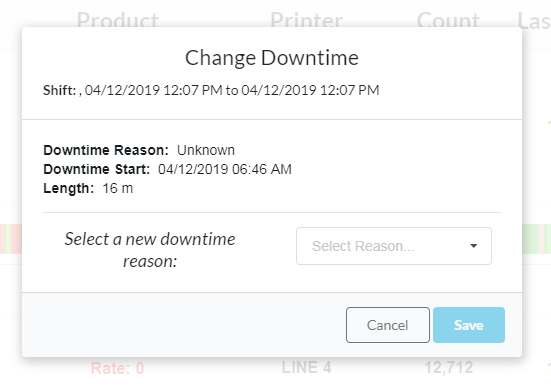
- Select the correct Downtime Reason from the dropdown selector.
- Click Save.