Clicking  on the Line Setup page will open the Edit a Line configuration page.
Any Field can be edited.
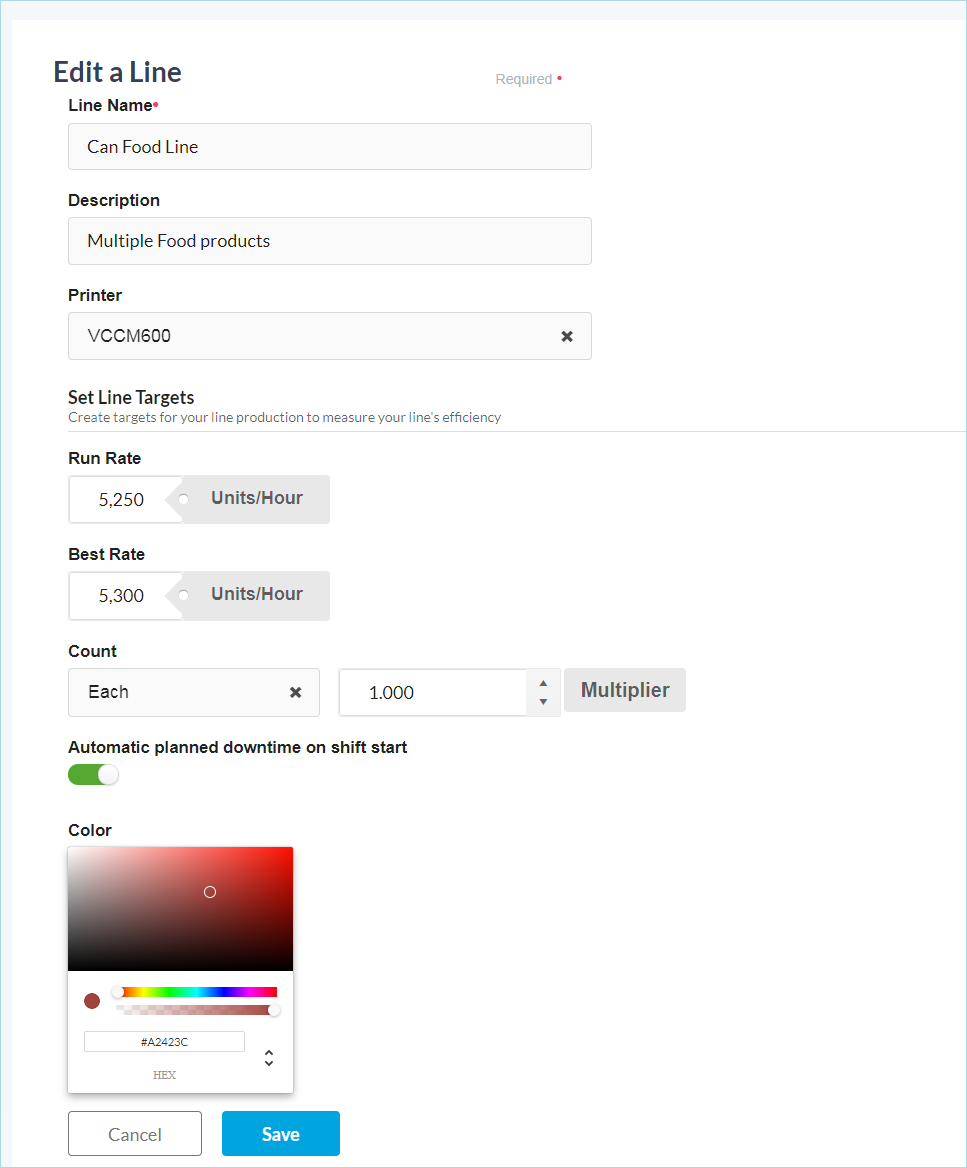
The Edit a Line page is used to edit any Line configuration field.
- Line Name: Unique name for this packaging line.
- Description (optional): Enter a description for the line.
-
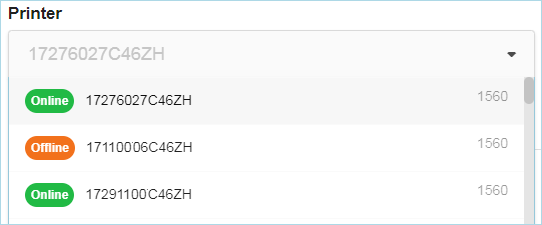
Printer: Select the printer that will be used to capture the count that will be used to create the OEE. All VRS connected printers that are already assigned to another line will be grayed out.
- Run Rate: Enter the target production rate for the line.
- Best Rate: Enter the best production rate for the line.
-
Count Type: Click the dropdown and select what the printer is printing on.
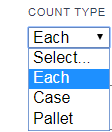
- Multiplier: After selecting the Count Type, select the multiplier, which is the number of Eaches per Multipack, Case, or Pallet.
-
Automatic planned downtime on shift start:
-
When toggled ON:
When the shift starts and the print count is not incrementing, the line will display planned downtime (yellow) on the shift time line.
-
When toggled OFF:
When the shift starts and the print count is not incrementing, the line will display unplanned downtime (unknown) on the shift time line.
-
-
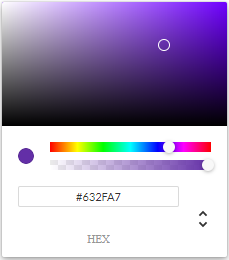
Color:
Each line can have their own color. Select a color for this line.
Click Save once you have finished editing the Line.