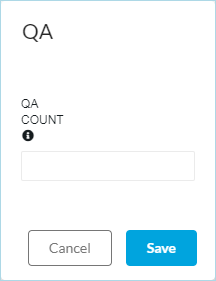
Entering QA Counts (Rejected Items)
QA Counts are quantities of rejected items created during this run of production. The quantity you enter here will affect the total product count and will be reflected in the Production Information - Quality % box.