Clicking  on the Product Setup page will open the Edit a Product configuration page.
Any Field can be edited.
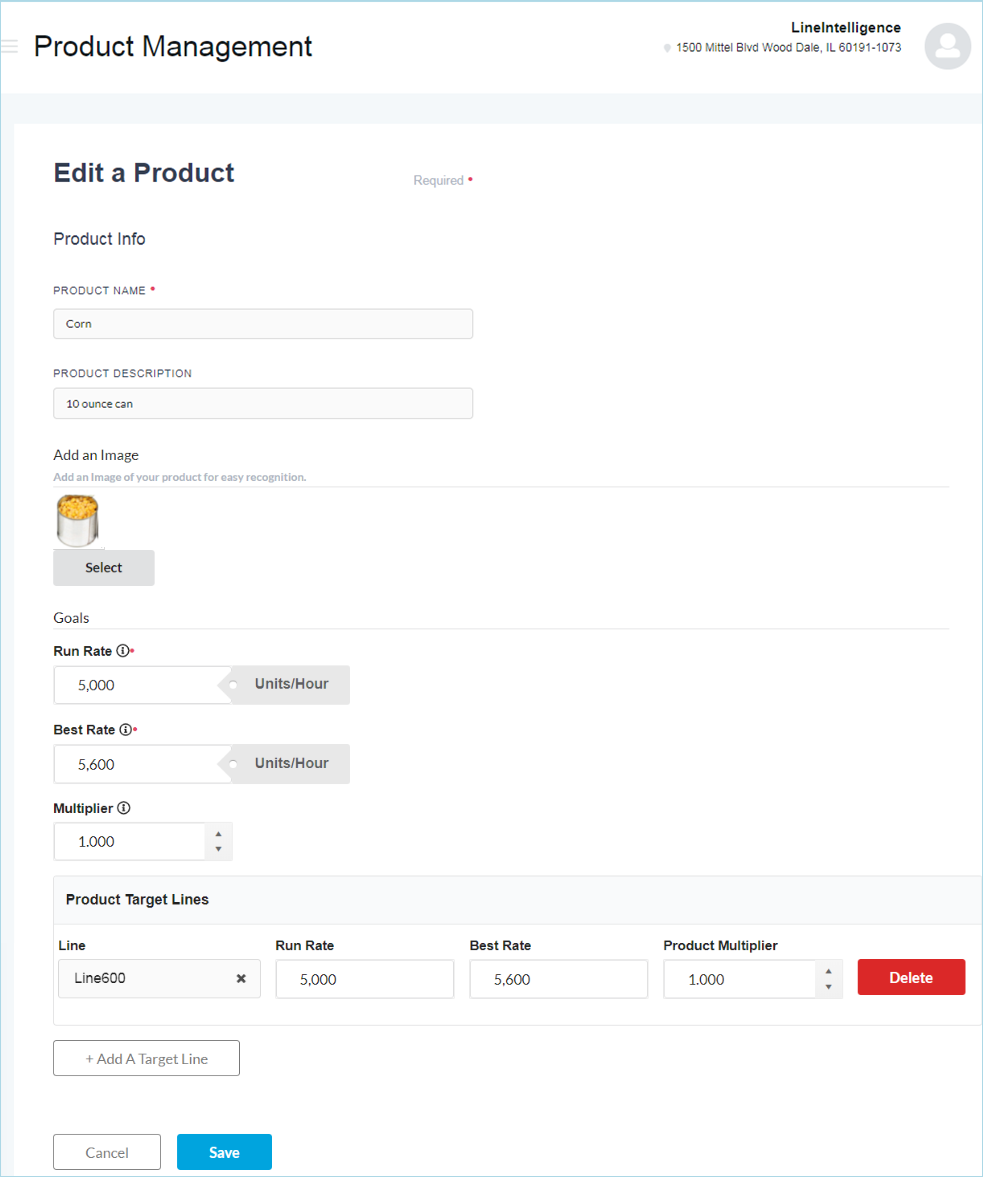
The Create a Product configuration page is broken into 3 sections: Product Info, Add a Target Line, and Goals.
Product Info
- Product Name: Give the Product a unique name.
- Product Description: Enter a description for the Product.
-
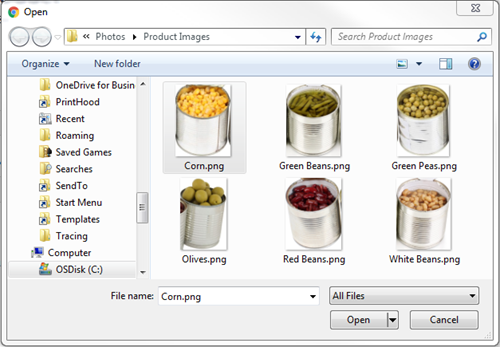
Add an Image: Click on Upload, select the image path and name, and click Open.
Goals
The Product Run Rate and Best Rate will over-ride the Line Run Rate and Best Rate as they are set.
- Run Rate: Enter the Product Production Run Rate for the line. This is the default Run rates for this product. This rate will override the Line's Run rate if the product is assigned to that line.
- Best Rate: Enter the Product Production Best Rate for the line. This is the default Run rates for this product. This rate will override the Line's Run rate if the product is assigned to that line.
- Product Multiplier: Select the Product Multiplier, which is the number of Eaches per Multipack, Case, or Pallet.
Click Save once you have finished Creating the Product.
Add a Target Line
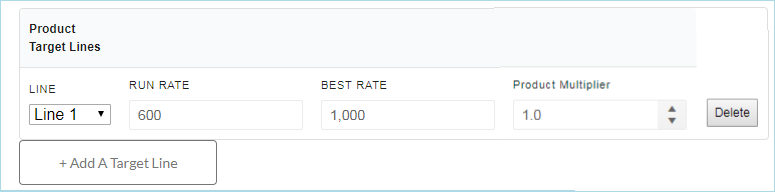
If you are running this product on multiple lines with different Run Rates, use this option. You can set a Run Rate and Best Rate for a Product on a specific Line. Example: the same product may run at a different rate on two packaging lines. Line one may run at 600 units an hour and line two may run at 800 units an hour since it is a newer line. These rates will override the Line Rates for OEE.
- Run Rate: Enter the Target Line Production Run Rate for the line. This is the default Run rates for this product for this line. This rate will override the Line's Run rate if the product is assigned to that line.
- Best Rate: Enter the Target Line Production Best Rate for the line. This is the default Best rates for this product for this line. This rate will override the Line's Best rate if the product is assigned to that line.
- Select the Product Multiplier, which is the number of Eaches per Multipack, Case, or Pallet.
- Click
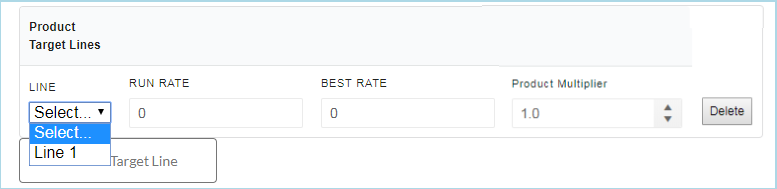
 . The Product Target Lines box will display.
 -
Choose the line from the Line dropdown selector.
-
Enter that line's Run and Best Rates (for this product).