Assign a Product to a Line
Adding a product to a line allows you to specify target counts and view the Product Count for that line.
- Open the Dashboard for the line to which you want to add the product.
-
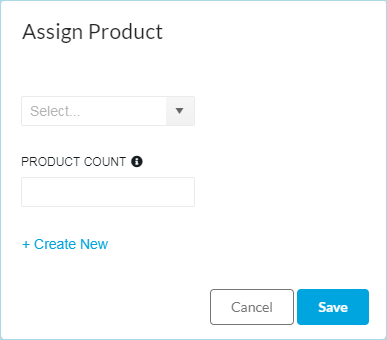
Click Product. The Assign Product dialog will open.
-
Click the down arrow and select the Product to run on this line.
If the product is not in the list, click + Create Product to create a new product. See Create a Product for details on how to create a new product.
- Select the Product Count
- Click Save.
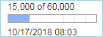
The Product Count will display in the Lines Summary page under the Product Icon.